
Escendant - Building Memories
Build lasting memories from the things you've kept
Escendant is an AI-guided mobile app that helps you turn photographs, conversations, recordings, documents, ideas and knowledge into memories worth keeping (we call them Engrams). Expand and improve your Engrams via guided chat, then share them if you wish.
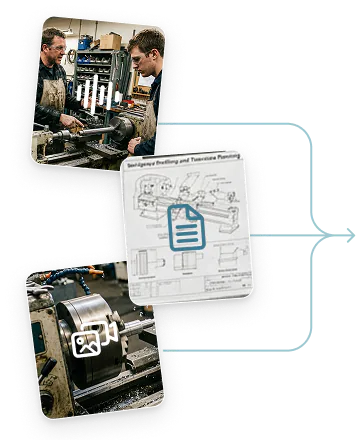
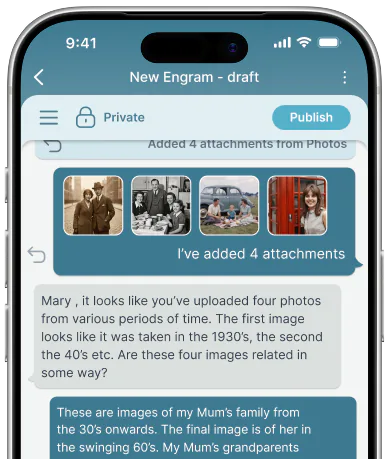
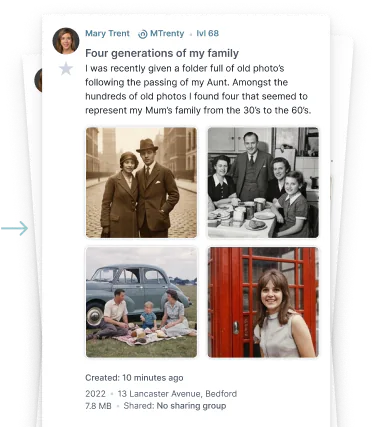

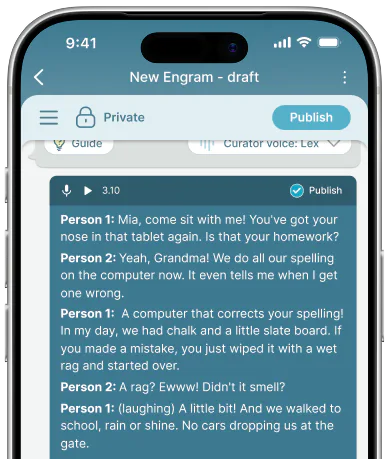
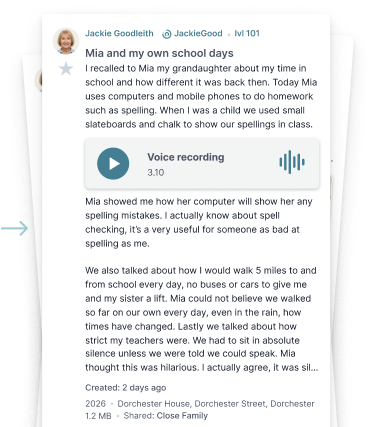
Escendant - Use cases
Start with almost anything
Whether you're revisiting a past project, exploring an ancestor's journal, or bringing a collection of letters to life, Escendant makes it easy to build a digital archive that lasts.
-
Journals and diaries
Journal pages become a considered account
Add understanding to personal entries

-
Recorded chats
A senior family member recounts their past
Preserve conversations in an Engram

-
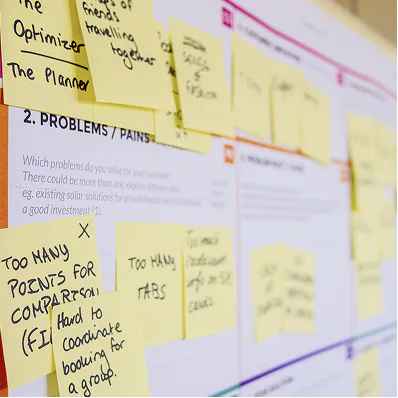
Meeting notes
Vital details are captured from handwritten notes
Media is analysed and sanitised
-
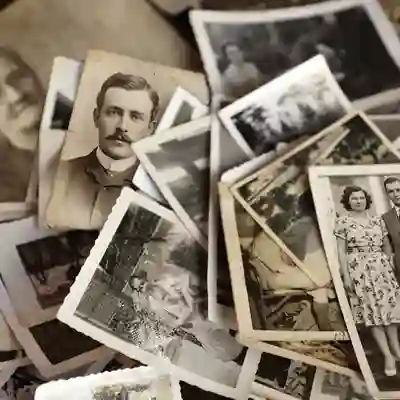
Inherited treasure
Preserve a collection in your safekeeping
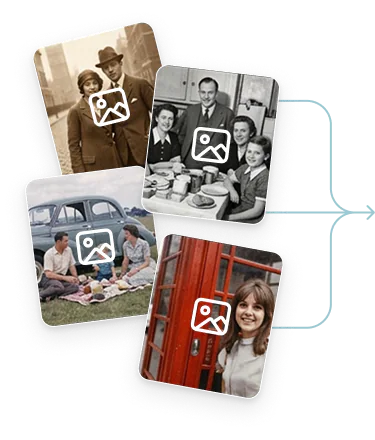
Find the story behind old photos and docs
-
Video & images - Family film
Home footage becomes a narrated chapter
Faces, places and dates identified

-
Video & images - Photo albums
A shoebox of prints becomes a timeline
Scanned once, described properly

-
Video & images - Events
A wedding reel becomes a shared record
Everyone who was there, named

-
Video & images - Places
A walk down an old street, remembered
Then and now, side by side

-
Video & images - Family film
Home footage becomes a narrated chapter
Faces, places and dates identified
-
Video & images - Photo albums
A shoebox of prints becomes a timeline
Scanned once, described properly
-
Video & images - Events
A wedding reel becomes a shared record
Everyone who was there, named
-
Video & images - Places
A walk down an old street, remembered
Then and now, side by side
-
Audio - Interviews
A recorded conversation becomes a transcript
Voice preserved, words searchable
-
Audio - Voice notes
Scattered voice notes become one account
Ordered, tidied, still in your own words
-
Audio - Music
A song list becomes the story of a decade
Why each track mattered
-
Audio - Oral history
An elder's testimony becomes an archive
Recorded before it is lost
-
Documents - Correspondence
A bundle of letters becomes a narrative
Chronology reconstructed and checked
-
Documents - Records
Certificates become a verified family line
Every claim traced to a source
-
Documents - Property
A deed becomes the history of a house
Owners, dates and alterations
-
Documents - Notebooks
Working notebooks become a method
Enough for someone else to follow
-
Keepsakes - Objects
A pocket watch becomes a story of its owners
Provenance finally written down
-
Keepsakes - Textiles
A quilt becomes a record of many hands
Each panel accounted for
-
Keepsakes - Heirlooms
A ring carries its history forward
Passed on with its account intact
-
Keepsakes - Mementos
Tickets and postcards become a journey
Small things, properly placed
-
Ideas - Notes to self
Half-formed ideas become a working thesis
Developed through guided chat
-
Ideas - Research
Reading notes become an argued position
Sources kept alongside claims
-
Ideas - Teaching
An explanation becomes a lesson others use
Written for the person who follows
-
Ideas - Reflection
A recurring question becomes a considered answer
Revisited and refined over time
-
Collections - Catalogues
A collection becomes a described catalogue
Every item given its own entry
-
Collections - Series
Related Engrams become one connected account
Linked, ordered and navigable
-
Collections - Archives
A lifetime of material becomes an archive
Structured for whoever comes next
-
Collections - Exhibitions
A selection becomes something worth showing
Curated for a real audience
Escendant - Build a life story
How Escendant works
With the help of Escendant's chat assistant - The Curator, building memories becomes a rewarding experience that can be shared with others.
Start with a prompt
You can start simple - just answer a question from The Curator or maybe add an image, video, or document. Got something on your mind - just share the thought or memory you wish to preserve.
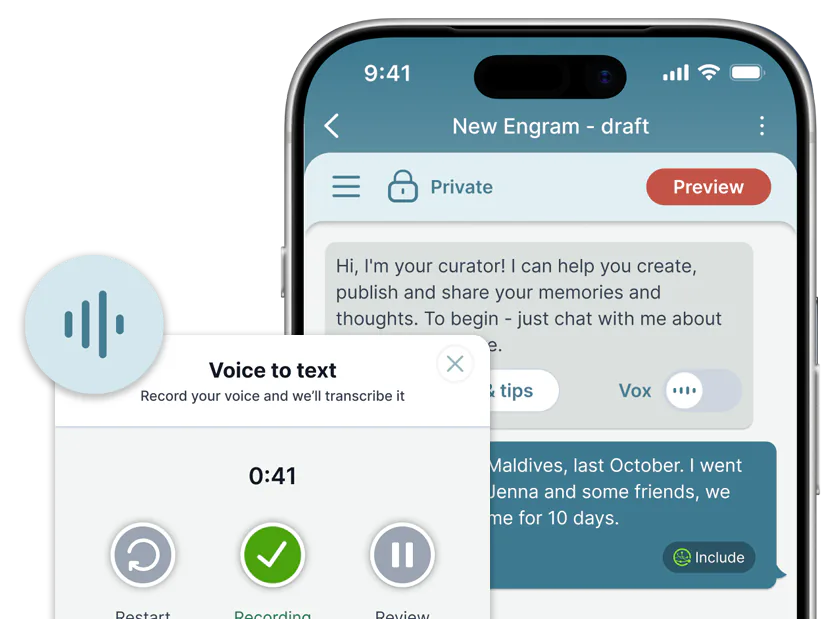
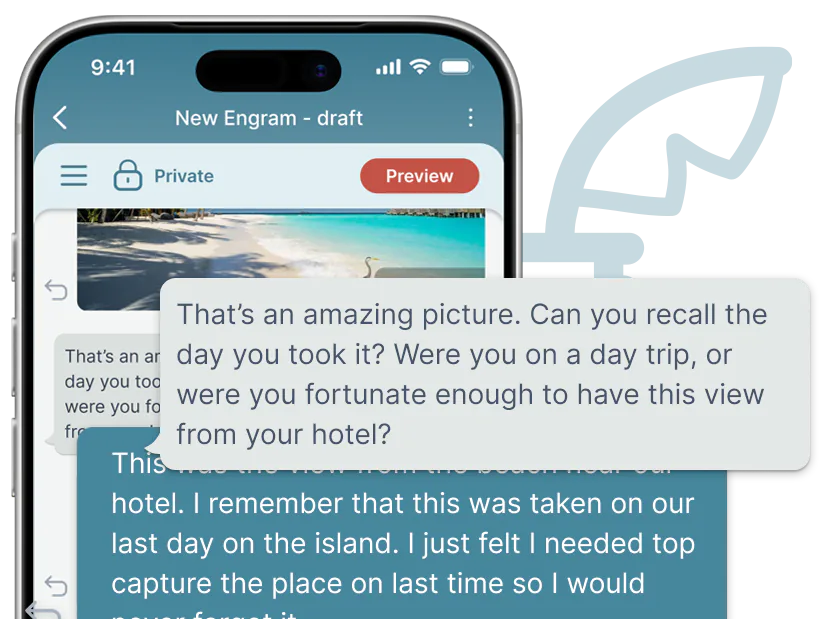
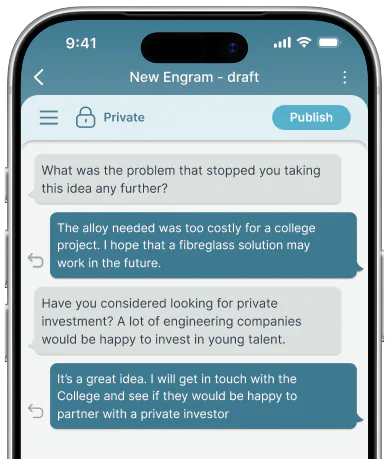
The AI Curator asks questions
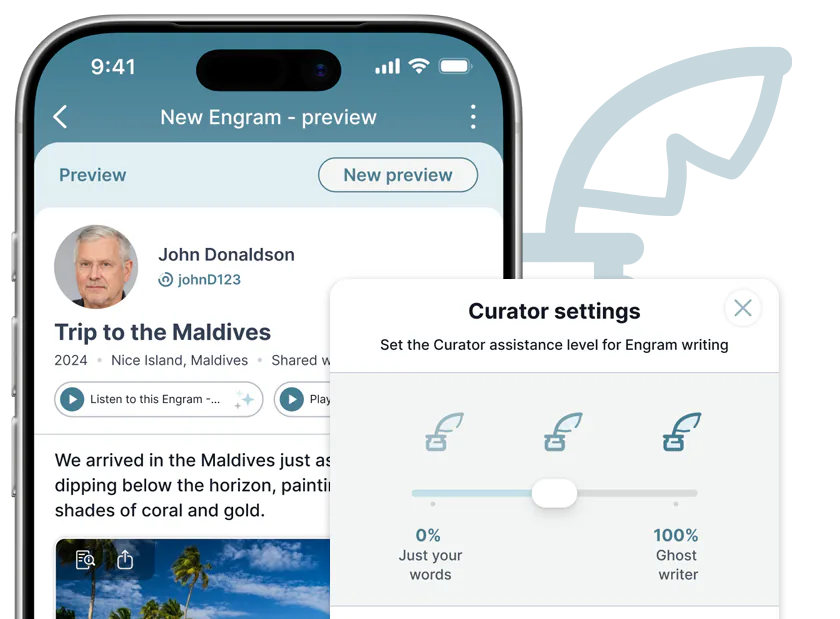
Our AI doesn't write your story - it asks the questions that draw it out. For example:"Who else was there?" "What did you feel?" "What happened next?"
Tell your story in your words
Type or spoken. Short or long. The story is always yours. The Curator helps you structure your Engram but never replaces your voice.
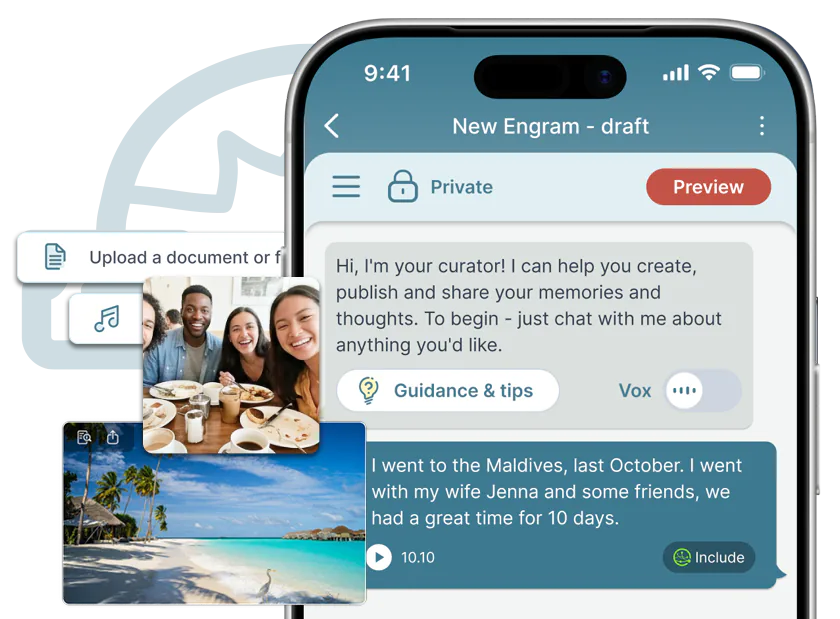
Enrich with voice, documents, context
Voice recordings, scanned letters, recipes, certificates. Attach the artefacts both physical and digital that bring an Engram to life.
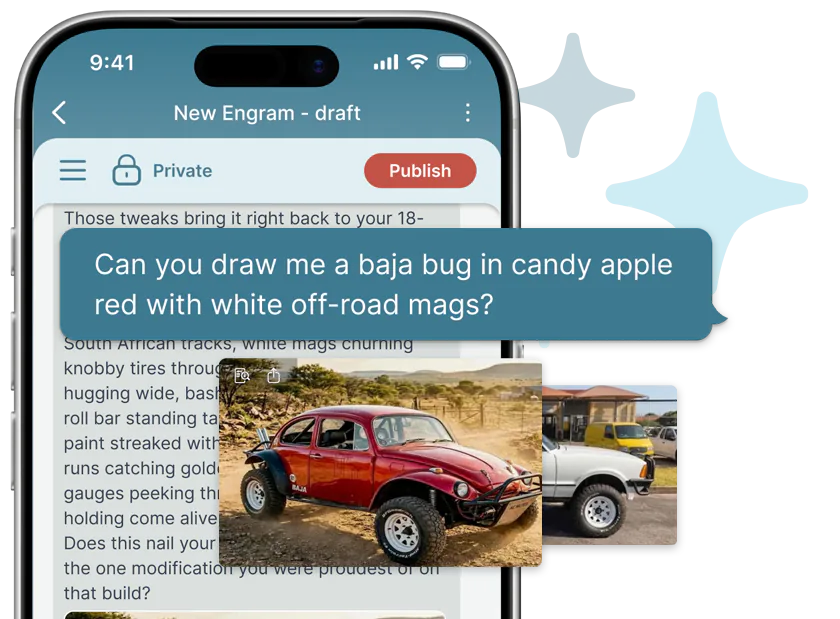
Bring the past to life
Visualise your Engrams by asking The Curator to render (almost) anything you can describe: “Draw 20 something me, lost in the streets of Paris” or “Render a polaroid image of an old orange VW Beetle parked in a field”.
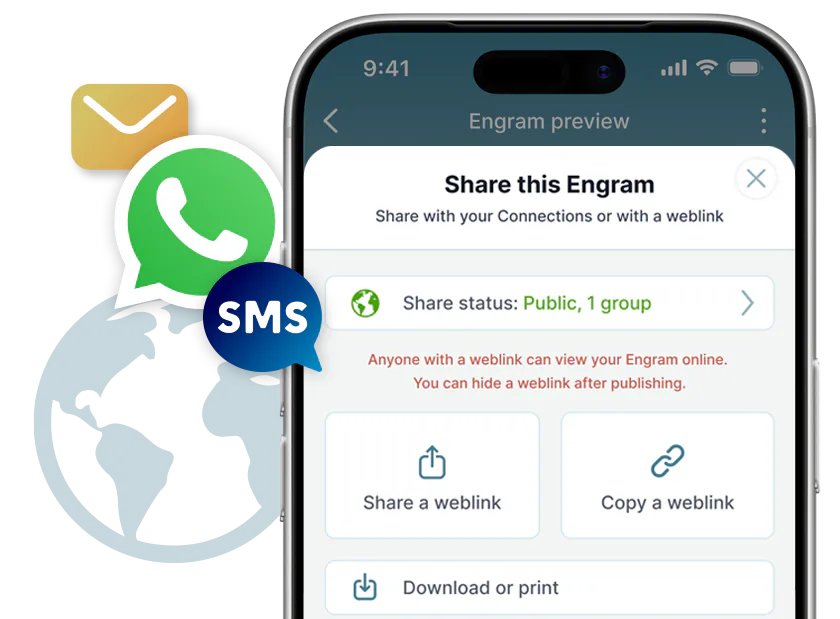
Choose who sees it
All Engrams are private by default but you can share any with family and friends. Want to share with the world? Make your Engram public via a weblink and share it via WhatsApp, Email or whatever platform you use.
Private and secure
Engrams are intrinsically personal, and so the privacy and security of your data is always our priority. Anything you add or build with Escendant is always yours and can be exported in a standard format.
Escendant - Shared Engrams
Enjoy other users' shared Engrams
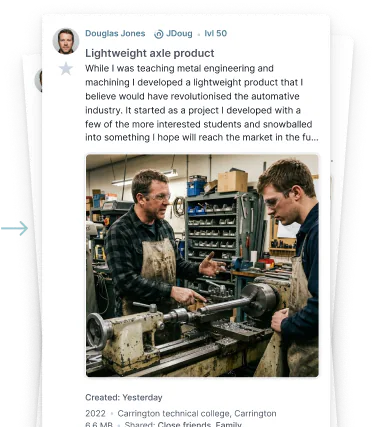
When other users make their Engrams public (available to all) or share them directly with you, those Engrams become available for you to view.
You can find other users across the Escendant Network, but your Connections and favourite users are all listed for you, making it easier to enjoy the Engrams of the people who mean the most to you.
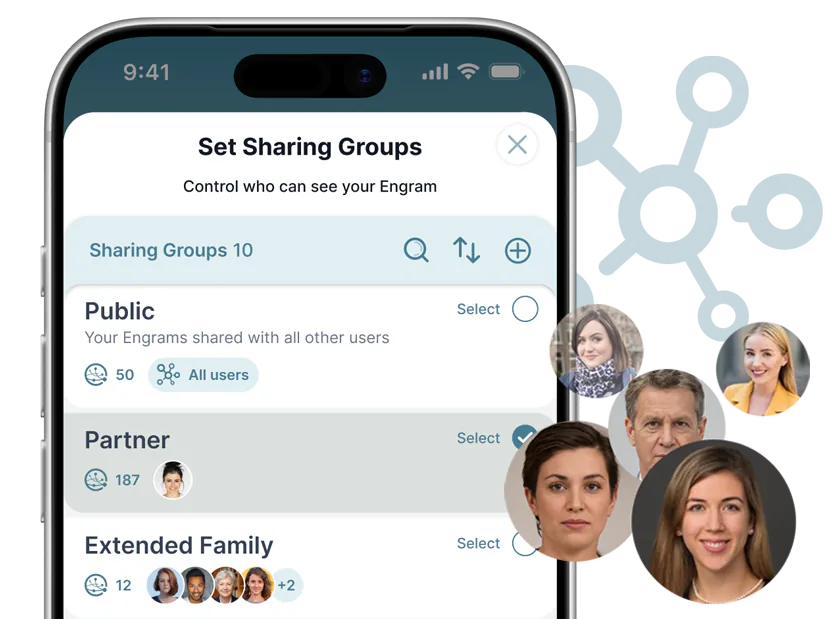
- Private by default – Only Engrams shared with you are visible
- Share with control – Set sharing groups for your family and friends, so you control who sees what
- Time Capsule – Set a future release date for your Engrams if you wish
Escendant - Explore via chat
Explore a life, one question at a time
As your Engram archive grows, you can invite others to explore it through conversation. Every answer is drawn from your own material, and the Engrams behind each response are highlighted so readers can see exactly where it came from. If the archive doesn't hold the answer, Escendant says so. It never makes one up.
Your own Engrams aren't static files either. Each one lives on as a conversation you can come back to at any time. The Curator remembers who you are and where you left off, so you can pick up any thread and keep questioning, refining and building on your Engram.
- Permission scoped – Chat only draws on Engrams you've shared
- Traceable – Every answer comes with citations and links, anything inferred is clearly labelled
- Third person – The chat agent never pretends to be a real person

Escendant - Early access
Build memories that last
We are accepting early access for anyone with a project they would like to trial on the Escendant app. Sorry, Escendant is available on iOS only at the moment.
Request early accessCookie settings
Choose which optional cookies you are happy for us to set. You can change or withdraw your choice at any time using the “Cookie settings” link in the footer. Full detail is in our cookie policy.